Get the Rehman Dakait Look Instantly – Dhurandhar Photo Editing Prompt (Copy Ready)
Get the Rehman Dakait Look Instantly – Dhurandhar Photo Editing Prompt (Copy Ready)
Introduction
The Rehman Dakait look from the Dhurandhar movie has become a viral trend across AI photo editing platforms, especially among creators who love cinematic portraits. This powerful character carries a bold, rugged, and intense personality that looks perfect for dark action-themed edits. With the help of Gemini AI prompts, anyone can recreate this iconic style without needing professional cameras, lighting setups, or studio backgrounds. A well-crafted prompt instantly transforms a normal photo into a gritty, high-contrast cinematic frame that looks straight out of a crime-action film. In this article, you will get a complete guide along with five copy-ready prompts designed to deliver the exact Rehman Dakait vibe.
Understanding the Rehman Dakait Cinematic Style
The aesthetic of Rehman Dakait is defined by dark tones, intense facial expressions, harsh lighting, and a dusty atmosphere. His character embodies attitude, power, and an untamed energy that translates beautifully into portrait-style shots. The Dhurandhar movie uses a very specific visual language: smoky environments, dramatic shadows, cold brown-black tones, and high detail. When this combination is recreated using AI, the result is a raw, hyper-realistic portrait that makes the subject appear bold and dangerous.
To achieve this look accurately, the prompt must include cinematic cues. Words like low-key lighting, intense eyes, gritty texture, film-style grading, and dark atmospheric tones help the AI understand the vibe. The more descriptive the prompt, the more realistic and accurate the final output becomes. This is why simple prompts fail; they do not communicate the cinematic depth needed for such characters.
Why Gemini AI Works Best for Dhurandhar-Style Portraits
Gemini AI excels in generating high-detail portrait images with complex cinematic lighting. The Rehman Dakait style requires sharp pore texture, deep shadows, and realistic atmospheric particles. Gemini’s rendering engine produces better skin definition, more accurate lighting fall-offs, and richer color balance compared to other models. The Dhurandhar mood depends heavily on these micro-details, so choosing the right AI model is crucial.
Gemini also responds extremely well to long-form descriptive prompts. When you add emotional and environmental elements, the output improves dramatically. The model understands the story behind the character and generates the mood accordingly. This is why Gemini is the preferred choice for creators who want professional-quality cinematic portraits for YouTube thumbnails, Instagram reels, movie-themed posters, or AI art pages.
Cinematic Elements Needed for the Dhurandhar Look
To generate the perfect Rehman Dakait portrait, the prompt must contain several visual components. The first is lighting. Dark cinematic lighting with heavy shadows enhances the subject’s attitude. The second is environment. Scenes with dust, smoke, particles, or abandoned street backgrounds align the mood with the film’s tone. The third is texture. Gritty details like rugged skin, raw expressions, and gritty color grading create authenticity. When these components blend correctly, the image looks like a studio-shot movie still.
The Dhurandhar style also uses a specific color palette. Deep browns, blacks, charcoal greys, and muted highlights are essential. Vibrant colors should be avoided because they do not fit the action-crime theme. This is why cinematic color grading terms should always be included in the prompt.
Top 5 Gemini AI Prompts for Rehman Dakait Look
Below are the five fully optimized prompts. Each is structured to give you the most accurate Dhurandhar-style cinematic output. You can copy these prompts directly into Gemini AI without any modification.
Prompt 1 – Classic Rehman Dakait Portrait
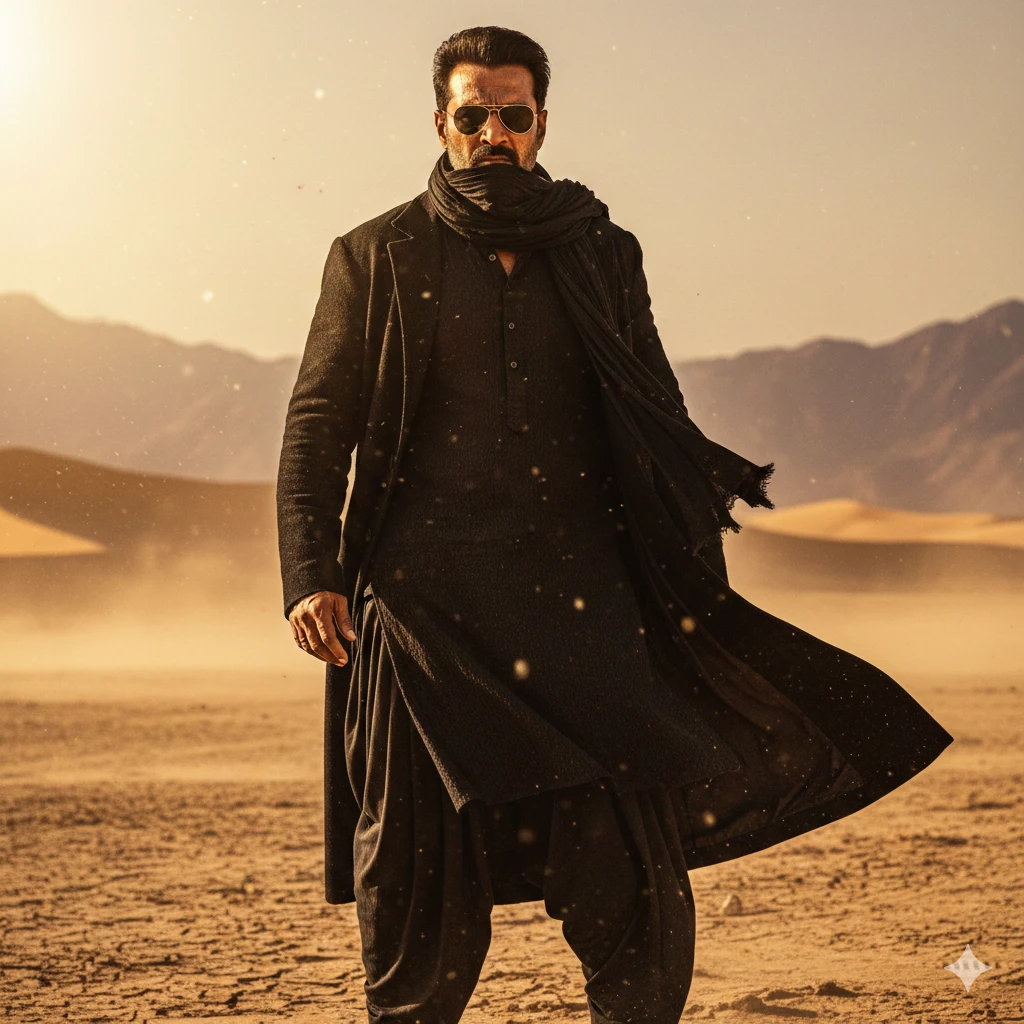
“Generate an ultra-realistic Dhurandhar-style cinematic portrait of a rugged man standing in a dusty desert landscape, with distant faded mountains in the background. The character has a sharp, intense expression with a defined jawline and slightly angry eyes. He is dressed in an all-black kurta pajama, a long flowing black coat, a black scarf, and dark sunglasses. Incorporate gritty desert textures, harsh golden sunlight, deep shadows, warm earthy tones, and dust particles drifting in the air. The overall mood should evoke a powerful Rehman Dakait–style entry inspired by dramatic action-movie frames. Emphasize hyper-detailed skin, strong contrast, matte color grading, realistic cinematic lighting, and 4K hero-shot
Prompt 2 – Dusty Outdoor Gangster Look
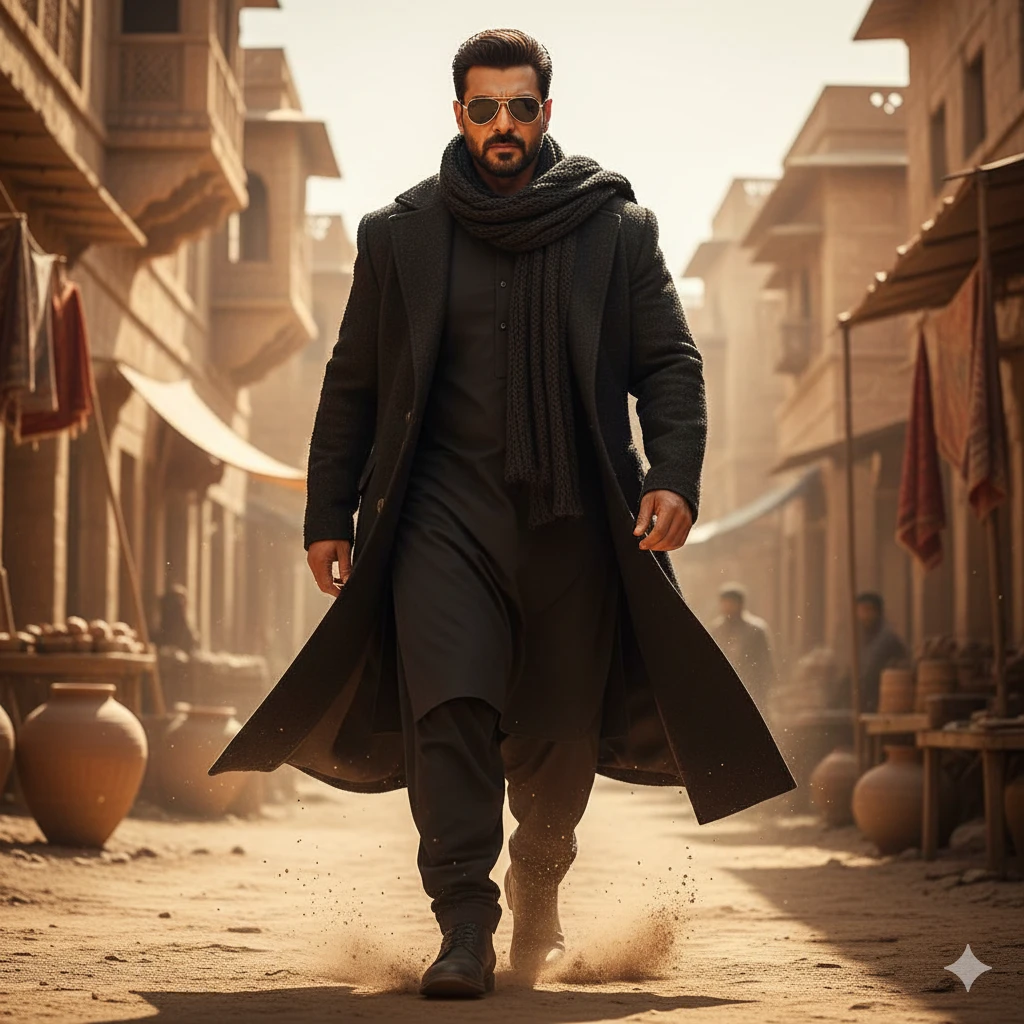
“Create a highly realistic Dhurandhar-style movie entry shot of a confident outlaw walking forward through a sunlit desert street. He is dressed in an all-black kurta pajama, a heavy black coat, a textured scarf, and sharp black sunglasses, with a bold and controlled expression. Fine dust rises subtly around his feet as he moves. The background features ancient sandstone buildings and market-like elements, enhancing the rustic atmosphere. Use golden cinematic lighting with dramatic highlights and deep shadows. Focus on high-detail skin textures, warm matte color grading, and a 4K film-quality rendering that delivers an intense yet natural mood.”
Prompt 3 – Cinematic Close-Up Face Shot
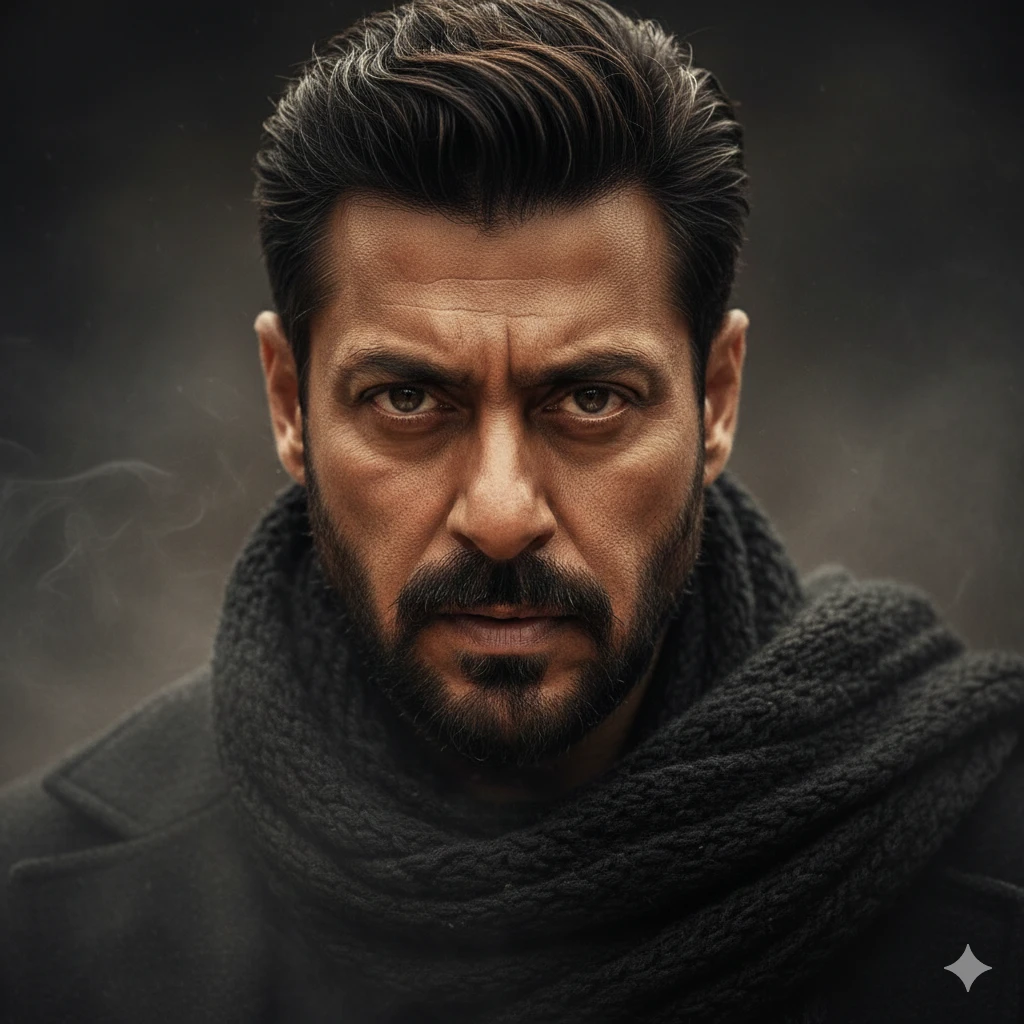
“Close-up Rehman Dakait style portrait, intense cinematic eyes, extreme sharp skin pores, textured realism, low-key lighting, dark smoky atmosphere, gritty color grading, Dhurandhar movie vibe, ultra-detailed 8K portrait, powerful dramatic expression.”
Prompt 4 – Gangster Walk Scene
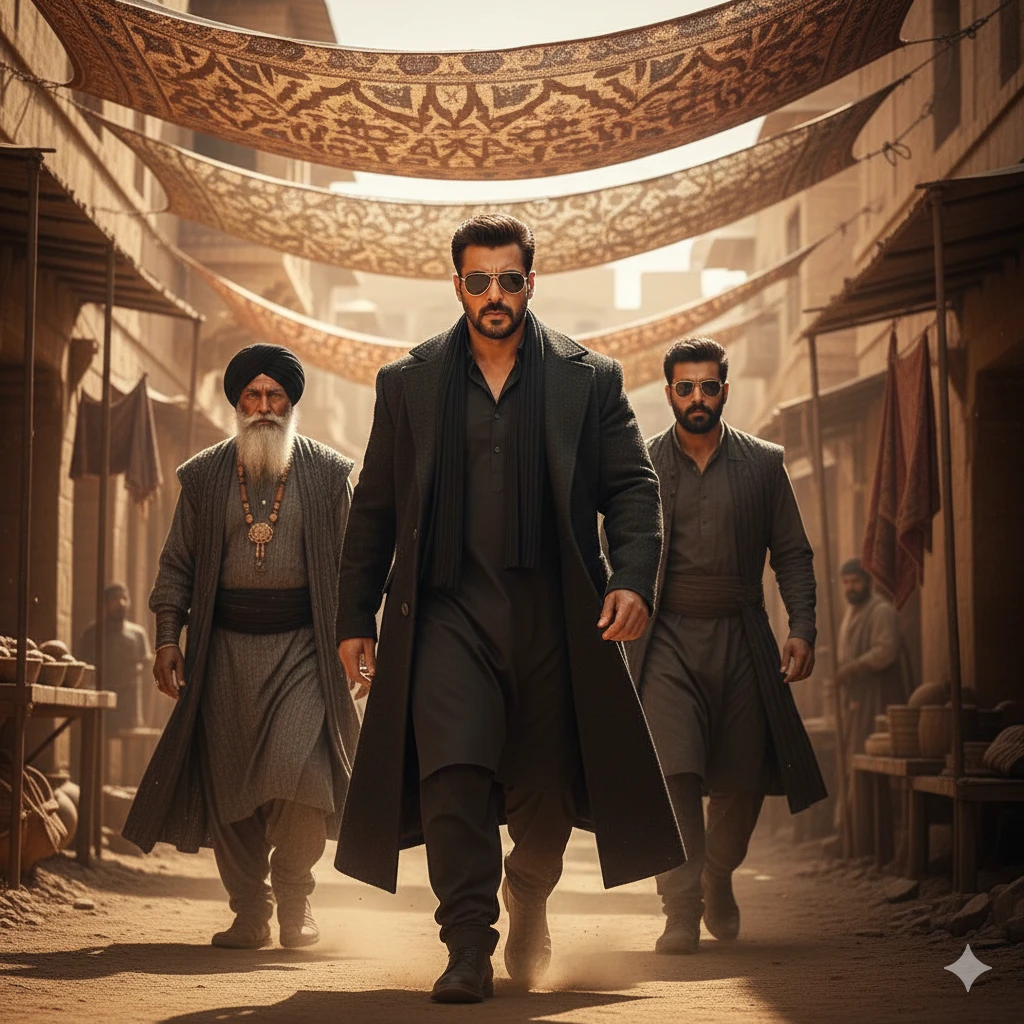
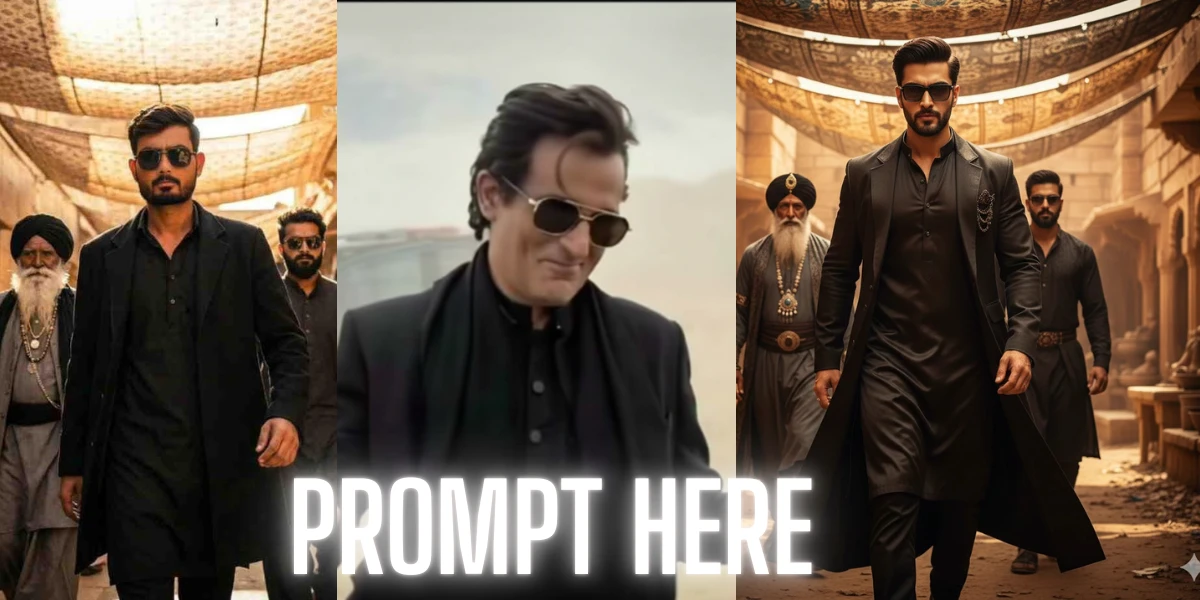
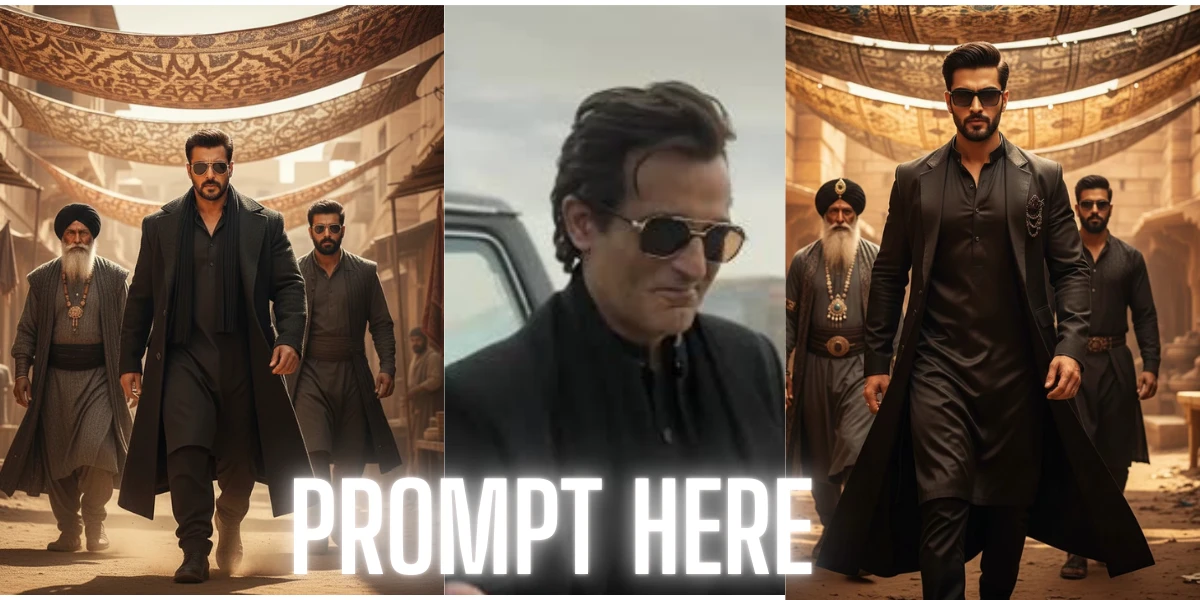
An ultra-realistic, cinematic full-body portrait of the same young man from the reference image, matching his exact hairstyle, sharp eyebrows, trimmed beard, and confident expression. The scene depicts a powerful, villain-style entrance: a sharp-featured man dressed in a black kurta, a long black overcoat, and dark sunglasses walking forward with intense confidence. Warm golden sunlight filters through patterned fabric shades overhead, casting dramatic, textured light and shadow across his face. Behind him, two men follow — one older, with a long white beard, black turban, layered grey robes, and heavy jewelry; the other younger, bearded, wearing dark glasses and dark traditional attire. The setting resembles an ancient marketplace or desert fort built from sandstone, with rugged textures and warm golden tones throughout. The camera angle is slightly low, capturing a heroic, slow-motion entrance. The image should feature highly detailed faces, crisp shadows, cinematic depth of field, rich color grading, and a dramatic, powerful villain aura rendered in ultra-realistic quality.
How to Use These Prompts for Best Results
To get the highest quality output, always generate images in high resolution. Low resolution removes the detailed skin texture and shadow depth that are essential for this style. You should also run multiple variations because cinematic prompts naturally produce a range of expressions and angles. Sometimes variation three or four gives a better Dhurandhar vibe than the first render.
Gemini’s “cinematic portrait” and “ultra-detailed” settings improve the final output significantly. If you are editing a real photo, use the “image-to-image” mode and paste the prompt to enhance the original face. This gives the most realistic Dhurandhar transformation while keeping your facial identity intact.
Conclusion
The Rehman Dakait look is a perfect blend of intensity, mood, and cinematic depth, making it a favorite among AI creators and photo editors. With the right Gemini prompt, you can recreate this powerful Dhurandhar-style aesthetic instantly and with professional results. The five prompts provided above are crafted to deliver high realism, bold atmosphere, and the signature gritty action tone of the character. Whether you are making thumbnails, Instagram portraits, posters, or AI artwork, these prompts will help you generate stunning and accurate outputs every time.